
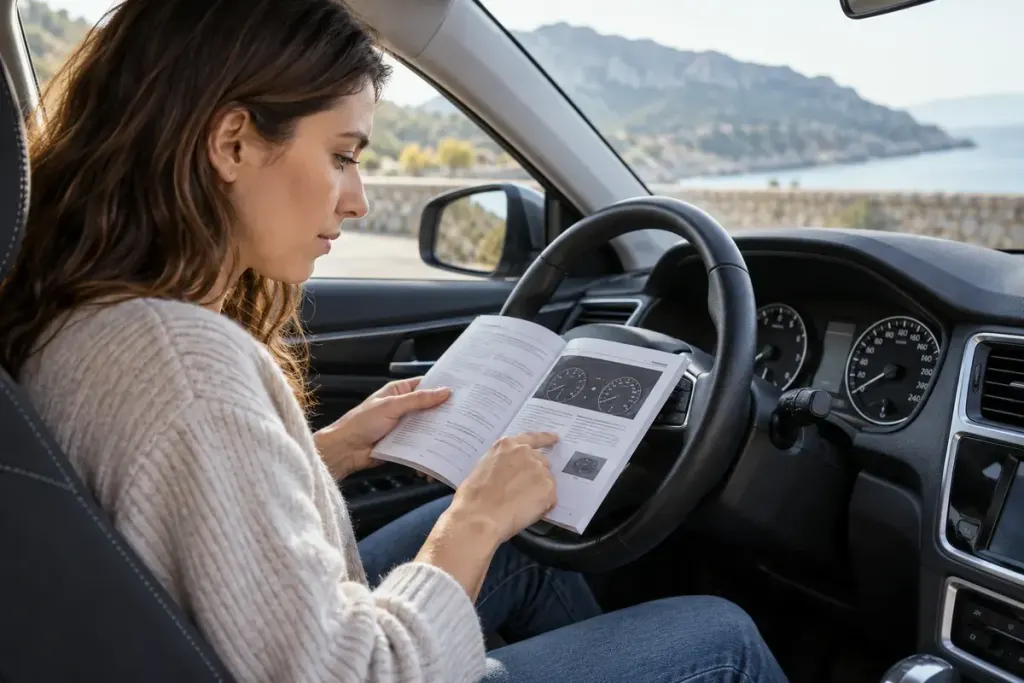
A familiar number on a speedometer can mean a different speed when the unit changes. Before driving a car across a border or collecting an unfamiliar rental, identify whether the main display uses miles per hour or kilometres per hour. Do this while safely parked, before the road demands your attention.
Find the unit beside the number
Some vehicles show two scales; others offer a secondary digital display or a setting that changes the units. The arrangement is model-specific. Volvo’s guidance for a particular S60 trip computer, for example, describes an alternative speed display and explains that some unit changes also affect navigation information.
Read your own vehicle’s manual or ask the rental provider to demonstrate the setting. Check the display after making a change rather than assuming the menu has altered every speed-related screen. The main instrument, head-up display and navigation app may not behave identically.
As a numerical illustration, 50 miles per hour is approximately 80 kilometres per hour. The shared number 50 therefore cannot be compared directly across the two units. This example is a unit conversion, not a recommended driving speed.
Prepare for the road’s information
- Confirm the units used by local road signs.
- Identify the vehicle’s main and any secondary speed display.
- Check related cruise-control or limiter displays using the manual.
- Make adjustments only while safely stopped.
Follow the applicable signs and road conditions. A navigation display or remembered conversion is not a substitute for observing the road, and changing the units does not change a posted limit.
Before returning a rental, ask whether the provider wants the original display settings restored. A clear handover helps the next driver avoid the same confusion. The small pre-drive check is valuable because it removes a question that should not need solving while the car is moving.